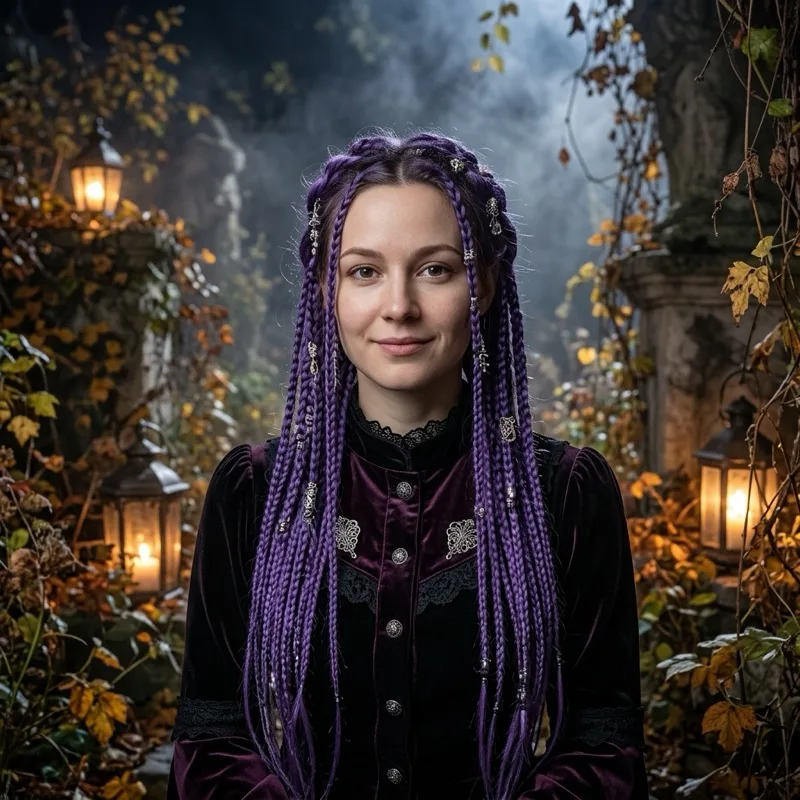
 AI-generated preview
YOUR LOOK. A LITTLE HALLOWEEN MAGIC.
AI Halloween costume generator
Turn your photo into an AI Halloween costume portrait. Choose a witch, vampire, skeleton, robot or pet outfit, then download your look in 1K, 2K or 4K.
12 curated looks · One upload, one portrait
Your costume studio
Create your Halloween looks
Upload one photo and choose a Halloween costume. AI edits your photo into a portrait.
THE COSTUME COLLECTION
AI-generated preview

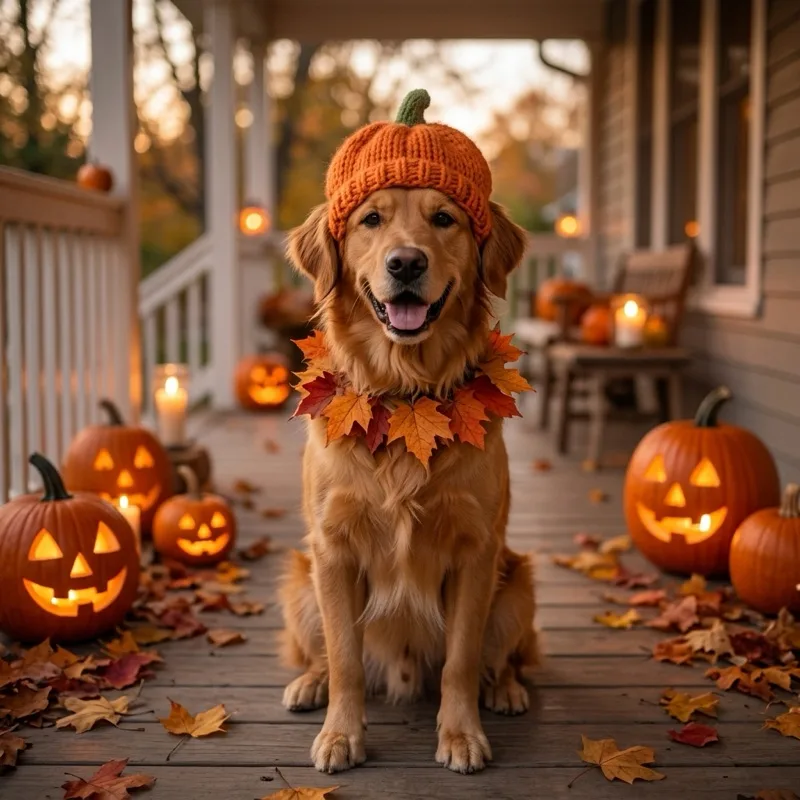

Generated with our presets · Your results may vary
THE COSTUME COLLECTION
Twelve ways to haunt the party.
Explore AI Halloween costume ideas for portraits, couples, kids and pets. Every preview below was generated with the same presets available in the studio.
AI-generated previewAI-generated preview AI-generated preview
 AI-generated preview
 AI-generated preview
 AI-generated preview
 AI-generated previewAI-generated preview
 AI-generated previewAI-generated preview
 AI-generated previewAI-generated preview
These previews were generated with PolarisCore gemini-nano-banana-2.1 using our costume prompts and example input photos. Your result will depend on your photo.
How it works
How to create your AI Halloween costume
01
Start with a clear portrait
Upload one JPG, PNG or WebP up to 8 MB. Use a clear face and even lighting; include both people for a couple look.
02
Find your Halloween character
Choose one of 12 looks. Each preset combines a costume, accessories, background and lighting—no prompt writing needed.
03
Generate, save & share
Sign in, choose 1K, 2K or 4K and confirm the cost before generating. Download your portrait or revisit it in My creations.
Made for your moment
Key features of AI Halloween Costume
A small creative studio for a big night. From gothic portraits to a pumpkin-hat pup, build a Halloween look around your own photo.
More costume inspirationCostume, scene & atmosphere
Go beyond a face sticker. Presets describe fabric, accessories and an entire setting, from candlelit woods to a starry hilltop.
A transformation that starts with you
Image-to-image editing uses your upload as the identity reference. It aims to keep recognizable features while changing the outfit; likeness can vary.
Your own creation library
Finished portraits are accessible through your account. Download favorites, revisit a result or delete a creation when you choose.
One payment. More possibilities.
Packs start at $9.90 for up to 30 portraits at 1K. Choose 1K (20 credits), 2K (25) or 4K (55). Pay once, with no subscription or expiry.
A LOOK FOR EVERY KIND OF HALLOWEEN
Find your next Halloween costume idea
Try a digital outfit before planning the real thing, create a seasonal profile picture, or make a portrait just for fun. These AI images offer inspiration; they are not a guarantee of how a physical costume will fit.
AI Halloween costumes made for you
Try violet braids in a moonlit garden, skeleton makeup under studio lights, or a velvet vampire in a candlelit hall. Start with a waist-up photo to give the outfit room.
Framing tips for better resultsMatching Halloween costumes for couples
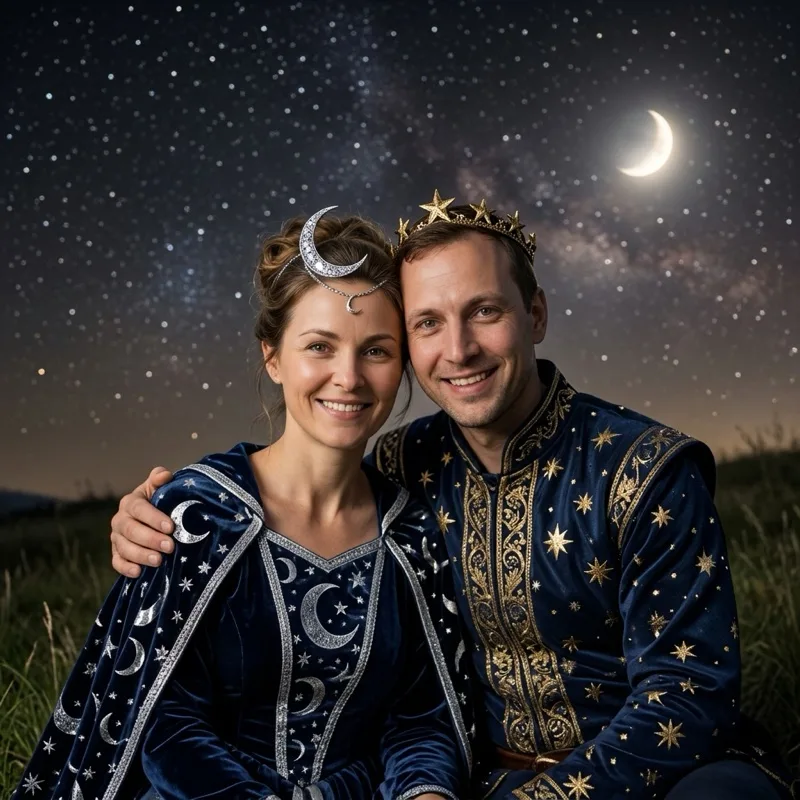
Cowboy & Angel and Moon & Star give each person a distinct role. Upload one photo with both faces clearly visible; the generator should not invent a partner.
How Halloween AI prompts workAI Halloween costumes for cats and dogs
A pumpkin hat, a tiny witch cape or a glowing dinosaur hoodie: explore pet Halloween costume ideas without dressing up your cat or dog for the photo.
Explore Halloween costume ideasHalloween look packs
Pay once, no subscription. New pack credits never expire.
1K: 20 credits · 2K: 25 credits · 4K: 55 credits per image.
Starter
$9.90
Pack credits: 600
About $0.33 per 1K portrait
Choose your quality
- 1K
- Up to 30 images
- 2K
- Up to 24 images
- 4K
- Up to 10 images
- Original-size downloads
- Balance restored on failure
Recommended
Party
$19.90
Pack credits: 1200
About $0.33 per 1K portrait
Choose your quality
- 1K
- Up to 60 images
- 2K
- Up to 48 images
- 4K
- Up to 21 images
- Original-size downloads
- Balance restored on failure
Crew
$49.90
Pack credits: 3000
About $0.33 per 1K portrait
Choose your quality
- 1K
- Up to 150 images
- 2K
- Up to 120 images
- 4K
- Up to 54 images
- Original-size downloads
- Balance restored on failure
Counts are alternatives, not combined. Mix resolutions; keep your unused balance.
Secure checkout. Prices in USD. Earlier purchases retain their original expiry date.
Frequently asked questions
AI Halloween costume: your questions, answered
What is an AI Halloween costume generator?
An AI Halloween costume generator edits your photo into a new costume portrait. AIHalloweenCostume combines your uploaded image with a preset describing the outfit, accessories, scene and lighting. It creates a digital image, not a physical costume or a video.
What kind of photo should I upload?
Upload one JPG, PNG or WebP photo up to 8 MB. Use a single person or pet, or a two-person photo for the paired costumes. Keep every face clear. Users must be 18 or older and have permission, including parent or guardian permission for children.
What will I receive?
One AI-edited still image, returned as PNG, JPEG or WebP depending on the provider. You can view and download it. This generator does not produce video or audio.
How much does an AI costume image cost?
Each 1K image uses 20 credits, 2K uses 25 and 4K uses 55. Starter is $9.90 for 600 credits, Party is $19.90 for 1,200 credits, and Crew is $49.90 for 3,000 credits. New pack credits never expire. Technical failures restore the actual credits used, not cash.
Is the AI Halloween costume generator free?
Browsing styles is free. Creating a portrait requires signing in and spending 20 credits for 1K, 25 for 2K, or 55 for 4K. Packs start at $9.90 for 600 credits, enough for up to 30 portraits at 1K.
Do I need a prompt or an app download?
No prompt writing or app download is needed. Upload one photo, choose a preset and confirm permission. The server supplies the costume prompt.
Will the AI costume portrait look exactly like me?
The model uses your photo to preserve recognizable features, age and natural proportions, but likeness is not guaranteed. Clear, well-lit photos with visible faces work best. Review the face, hands and costume before sharing; generated details can differ from the preview.
What happens to my uploaded photo?
With your consent, your photo is sent to PolarisCore for image editing. This app does not persist original uploads. Results are private to your account and can be deleted. Provider retention is governed by its own policies.
Should I choose 1K, 2K or 4K?
Choose 1K for a profile picture or small social post, 2K for a larger digital image, or 4K when you need more room to crop. They cost 20, 25 and 55 credits respectively. Pixel dimensions depend on aspect ratio; larger output does not guarantee a closer likeness.
Can I make Halloween costumes for pets or couples?
Yes. Pumpkin Pet, Little Witch Cat and Glow Dino are pet looks; upload a clear photo of your cat or dog. For Cowboy & Angel or Moon & Star, upload one photo containing both people. Keep faces visible and choose a preset that matches your subjects.